GeyserMC
Configuring GeyserMC Ports
GeyserMC
This guide only covers how to configure the ports used by GeyserMC. Nothing else is covered.
Installation
Navigate to the Plugin Manager on your server and search for GeyserMC.
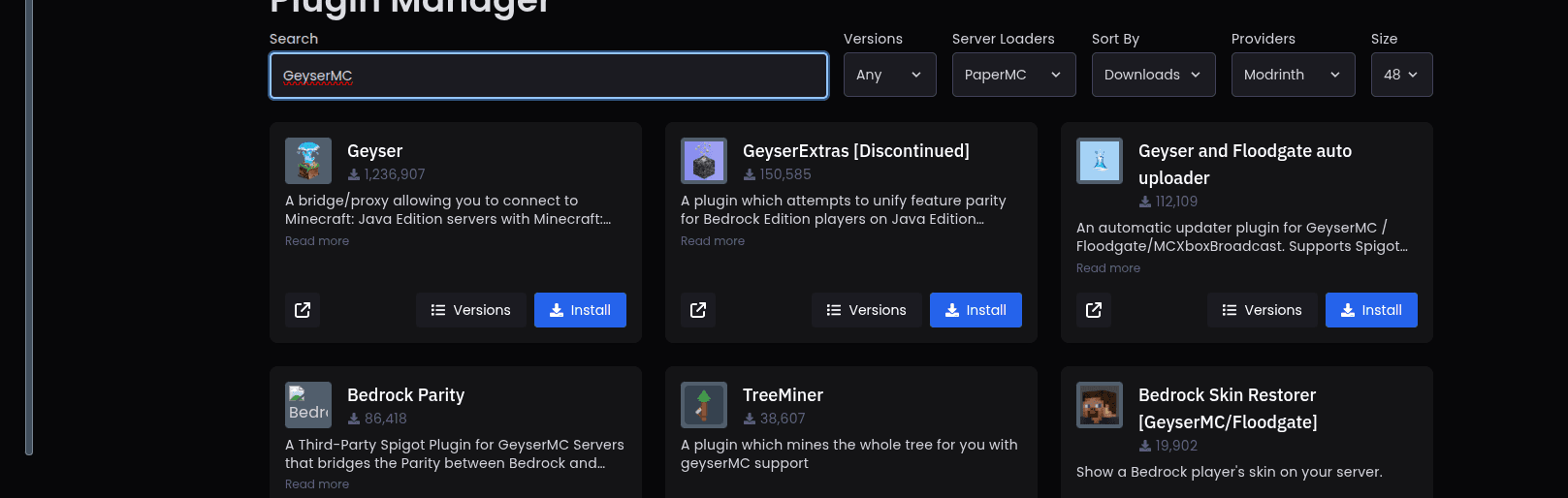
Geyser is the correct result. In the image above, it is the first result.
Configuration
Navigate to plugins/Geyser-Spigot/config.yml, or to whatever the Geyser plugin folder is called on your server.
The only section relevant to this guide is:
bedrock:
  # The IP address that Geyser will bind on to listen for incoming Bedrock connections.
  # Generally, you should only change this if you want to limit what IPs can connect to your server.
  address: 0.0.0.0

  # The port that Geyser will listen on for incoming Bedrock connections.
  # Since Minecraft: Bedrock Edition uses UDP, this port must allow UDP traffic.
  port: 19132

  # Some hosting services change your Java port every time you start the server and require the same port to be used for Bedrock.
  # This option makes the Bedrock port the same as the Java port every time you start the server.
  clone-remote-port: false
The port value must be set to the backend port of the allocation you want to use.
IMPORTANT: The backend port may change under certain circumstances. There is no guarantee that it will remain the same permanently.
If you want the Bedrock port to always match your Java port, leave the port set to 19132 and set clone-remote-port to true:
port: 19132
clone-remote-port: true